Styling and Customization
Make your product finder truly your own
A consistent visual style creates trust and clarity. That’s why Bebolu allows you to customize almost every visual element. This way, your product finder feels like a natural part of your webshop environment.
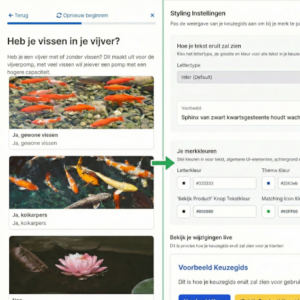
What you can customize:
- Colors for buttons, headings, and backgrounds
- Fonts and text sizes
- Images per question or category
Want to learn more about product finders?
Read practical articles about guided selling, conversion optimization and building effective product finders.
View the latest articles →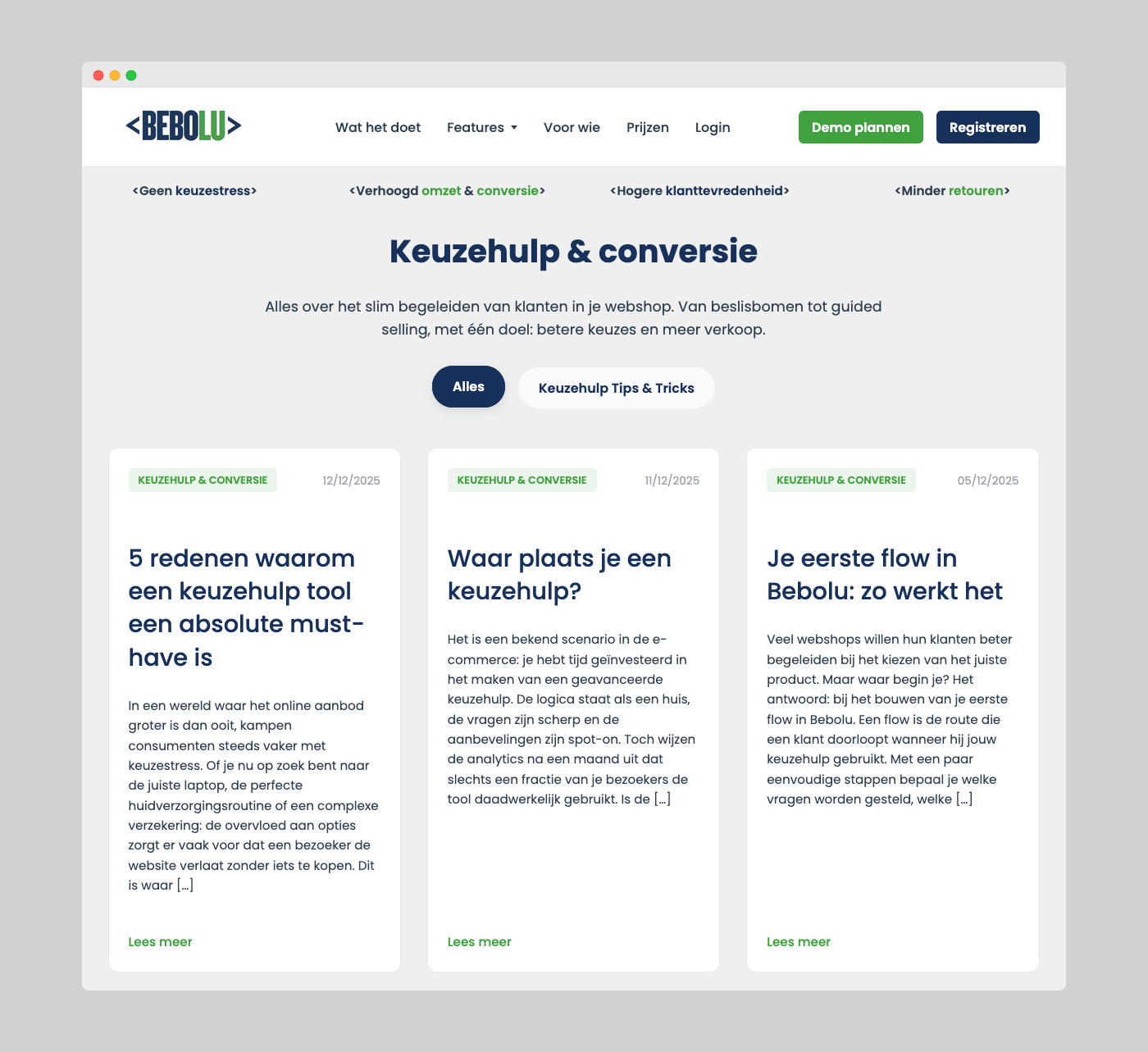
Brand styling in one central place
In the styling menu, you manage all your colors, fonts, and component styles in one place.
These settings are automatically applied to your product finder.
Live preview while customizing
As you adjust colors or layouts, you immediately see how your product finder will look. This makes it easy to test combinations and choose what best fits your brand.
Work with your own brand identity
Whether your brand style is clean and minimalist, warm and friendly, or bold and colorful — Bebolu adapts to you. You fully control the tone of voice and visual appearance of every flow.
Common styling approaches:
- Minimalist & modern
- Warm & approachable
- Technical & professional
- Playful & interactive
Ready to get started?
Discover how Bebolu helps your webshop grow with interactive product finders.
Book a demo